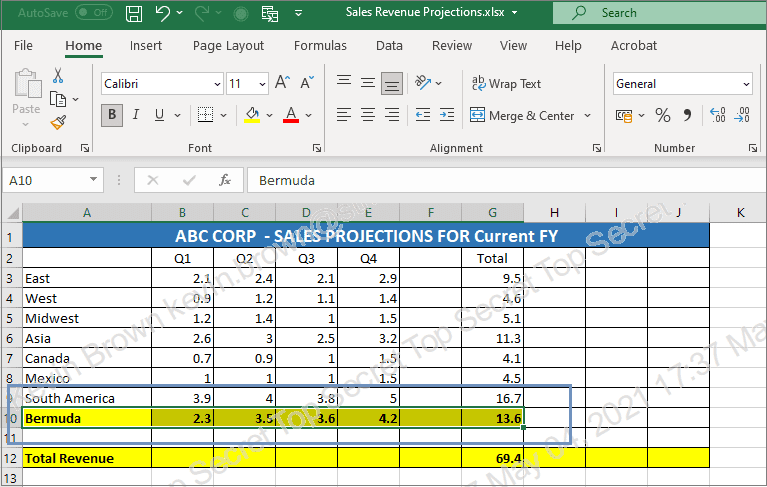


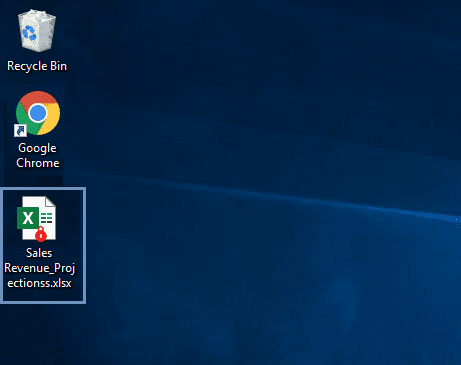
 Double-click on the file you want to open.
 You will be asked for your email Id. If you’re an employee, enter your work email Id. If you’re a vendor or business partner, enter the email Id you use to communicate with this organization.
 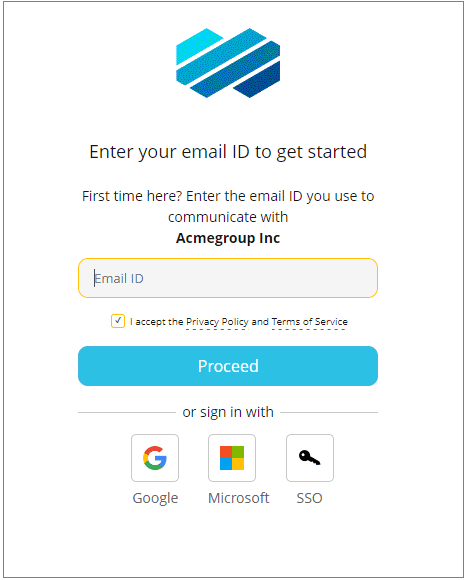 Follow the system prompts to log in successfully. The file will open in your desktop application.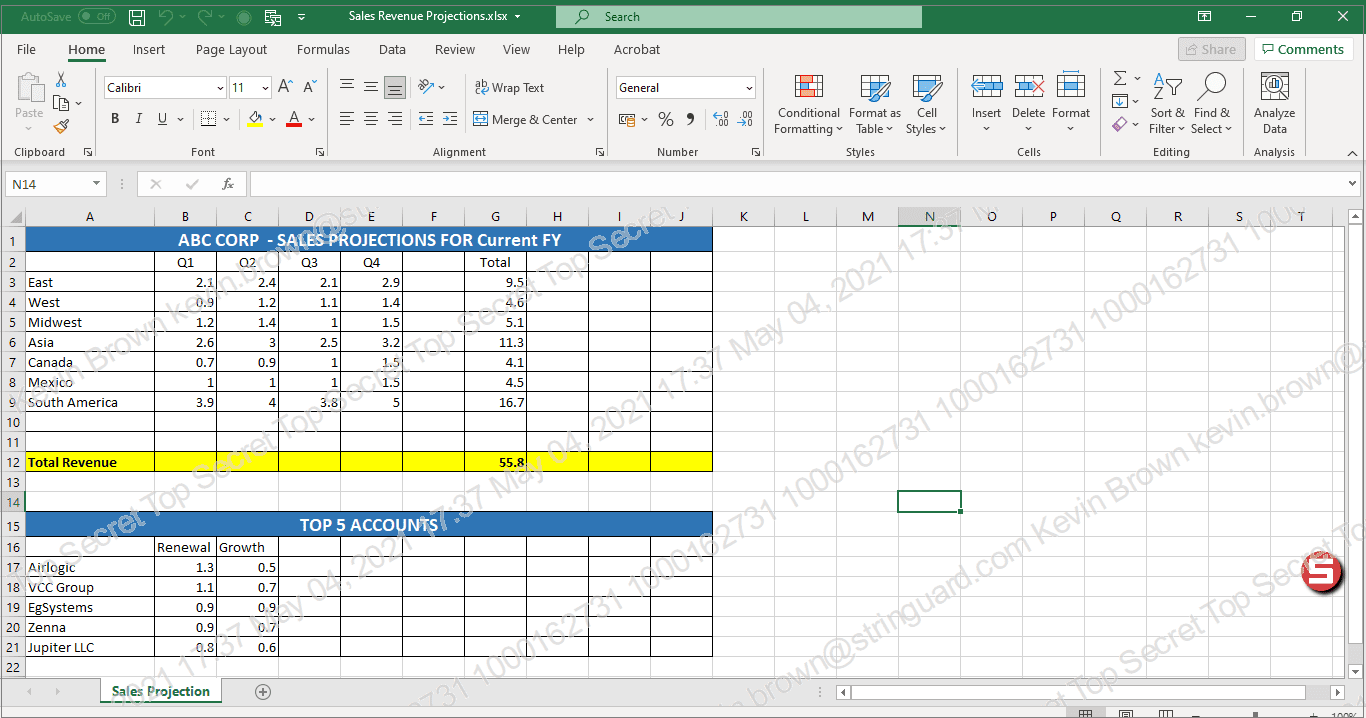
Click on the Seclore badge to view your permissions on the file.
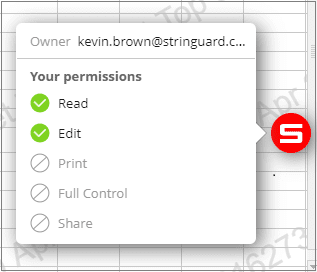 If the owner of the file has given you the right permissions, you will be able to edit and print the file.